Fill your dream using AI
FillDream turns a photo and a few words into a finished image. Remove what you don't want, add what you do, change the background or the outfit — no editing skills required, results in about ten seconds.

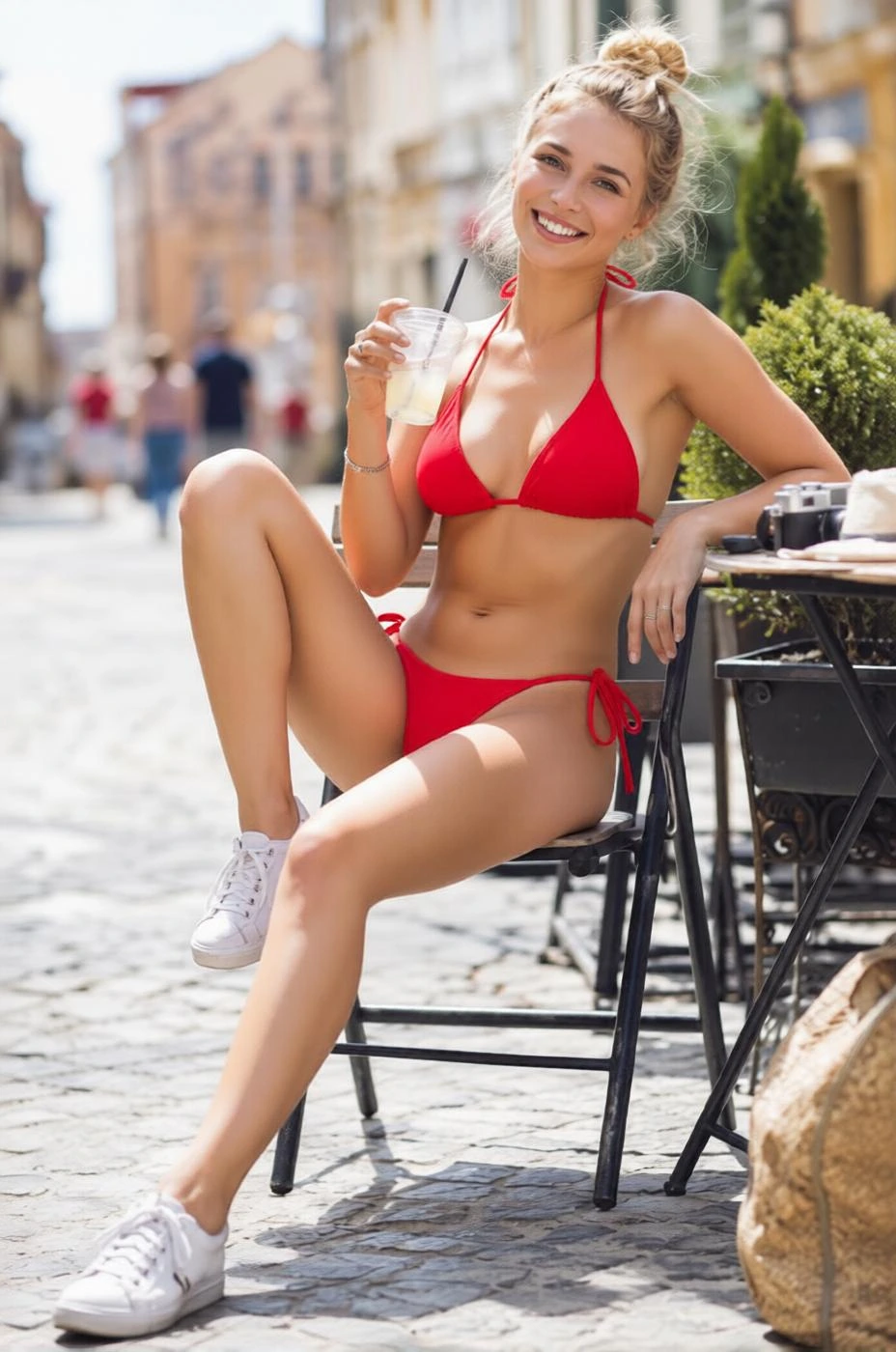
Fill the image with whatever you want — just type a prompt
Overview
AI image fill, made simple
Traditional photo editing means layers, masks, and hours of manual work. FillDream replaces all of that with a single idea: describe the change you want and let AI paint it in. Built on modern diffusion models, it understands context — matching lighting, perspective, and texture so the filled area blends naturally with the rest of the image.
Whether you're cleaning up a product shot, reimagining a portrait's background, or extending a scene beyond its frame, the workflow is the same: upload, describe, generate. No subscriptions to learn, no complicated tools — just your imagination and a text box.
How it works
From idea to image in three steps
Upload your image
Drop in any photo or illustration — JPG, PNG, or WebP. Then brush over the area you want to change, or let the AI work on the whole frame.
Describe what to fill
Type a short prompt for what should appear: a new background, an object, clothing, scenery — anything. Plain language is enough, in any language.
Generate & download
FillDream renders the result in about ten seconds. Keep generating variations until it's right, then download in high resolution.
What you can create
One tool, endless edits
Object removal & replacement
Erase unwanted people, logos, or clutter and let AI rebuild the background seamlessly — or swap one object for another.
Background generation
Place your subject anywhere. Describe a beach, a studio, a city street, or a dreamscape, and the scene is generated to match the lighting.
Outfit & style changes
Restyle clothing, change colors, or apply a whole new aesthetic while keeping the subject recognizable and consistent.
Creative expansion
Extend a photo beyond its original borders, add elements that were never there, and turn a simple shot into a finished composition.
FAQ
Frequently asked questions
What is FillDream?
FillDream is an AI image-fill (inpainting) tool. You upload an image, mark or describe an area, and the AI fills it with whatever you prompt — a new object, background, or style — in seconds.
Do I need design or editing skills?
No. If you can describe what you want in a sentence, FillDream handles the rest. There are no layers, masks, or brushes to master — though you can refine the area you want changed.
What image formats are supported?
JPG, PNG, and WebP. Most photos straight from a phone or camera work without any preparation.
How long does a generation take?
Most fills complete in about ten seconds. You can keep generating variations until you get the result you want.
Can I use the results commercially?
Yes. Outputs are high-resolution and yours to download and use, including for commercial projects.
Is my uploaded image private?
Your uploads and results stay tied to your session and account — they are not shared publicly.
Start filling your dream today
Upload an image, describe the change, and watch AI bring it to life in seconds. Free to try — no editing skills needed.